Payroll
Bring daily totals and your pay formulas into a clearer weekly view. Spend less time untangling payday.
AI TOOLS. BUILT FOR NAIL SALONS.
Save time. Reduce admin costs. Bring Square booking, technician turns, payroll and color inventory into a clearer workflow—so your team can focus on clients, not routine admin.
 NailBoss AI
Find a better fit for the calendar you already use.
Less manual admin. Less need to add front-desk hours.
Keep preferences, design details and staff requests clear.
YOUR AI SUBSCRIPTION. A SMARTER OPERATING COST.
A NailBoss AI subscription can help you run a busy salon with fewer dedicated front-desk and admin hours—so you can serve more clients without always adding support staff.
Staffing and cost savings vary by salon, setup and features used.
Reduce repeat entry, schedule checking and payroll preparation.
Keep technicians and managers focused on clients, not routine screen work.
Free up time and budget for better service, training and growth.
MEET YOUR SALON TOOLKIT
Start with the work that takes up your day. Explore the tools, then let us show you what fits your salon.
Keep your calendar. Help match clients, staff skills and useful openings around your salon’s rules.
Explore AI booking →See who is next, who is working and who has paid. Keep service values, payments and tips in the right column.
See the tracker →Bring daily totals and your pay formulas into a clearer weekly view. Spend less time untangling payday.
Find OPI shades, track Dip, Gel and Regular stock, and auto-add low items to a shopping cart. Mark purchases to increase inventory.
Try the color library →Setup and connections are tailored to your salon. We’ll confirm feature availability and scope during your demo.
FROM BOOKING TO CHECKOUT
See how a Square appointment can move through staff matching, service changes and checkout—with your salon’s rules guiding the workflow.
Fictional demo. Payment appears only after checkout. Your salon’s configured rules determine timing, staff and turn calculations.
BEFORE THE FIRST CLIENT
Walk in. Open Square. Your first clients are already in Turn Tracker.
Illustrative film · AI-created salon scenes · Recreated screens and fictional clients · Your salon’s rules apply
MADE FOR THE WAY SALONS WORK
Better preparation. Clearer decisions. Less back-and-forth.
 Design-ready bookings
Concierge AI
Ask for the design photo and nail count before booking. Help your team prepare the right skills and service time, with fewer last-minute surprises.
See the design conversation →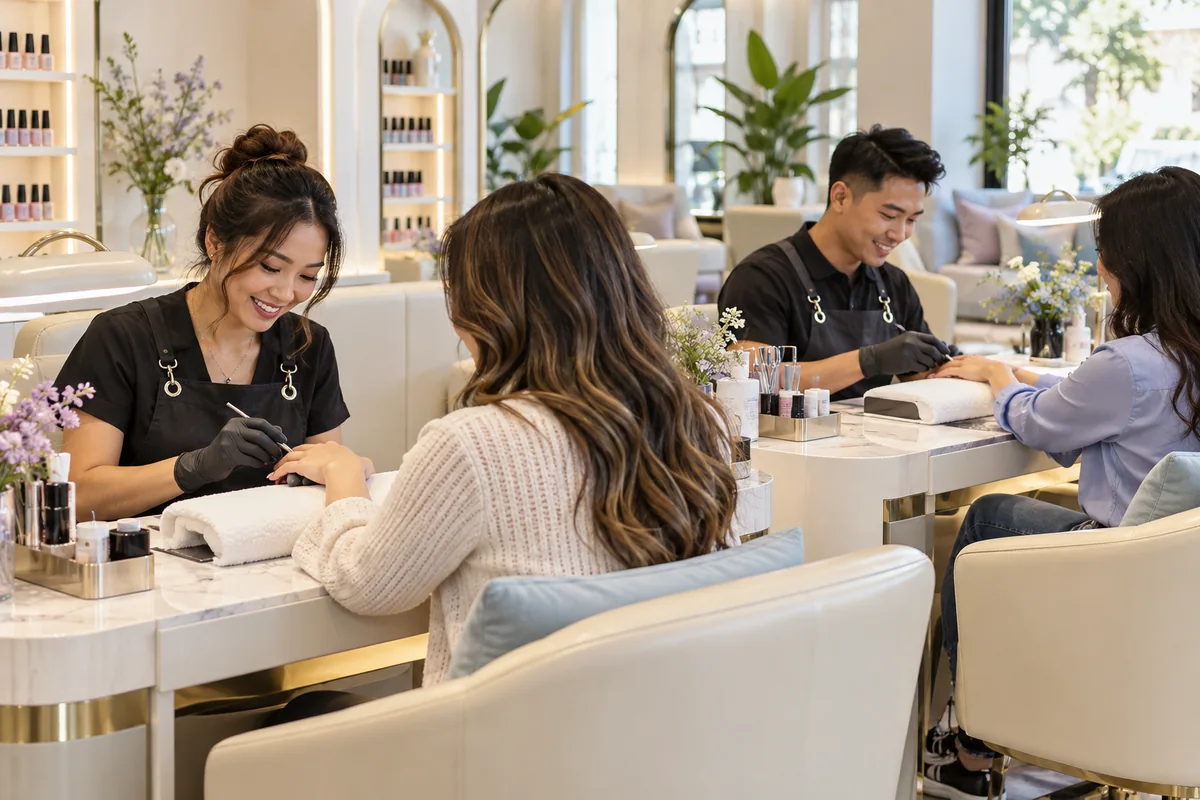 Smarter staff assignments
SkillMatch
Match flexible clients with eligible technicians. Keep requested staff protected and leave specialty time for the services that need it.
Watch the calendar find a better fit →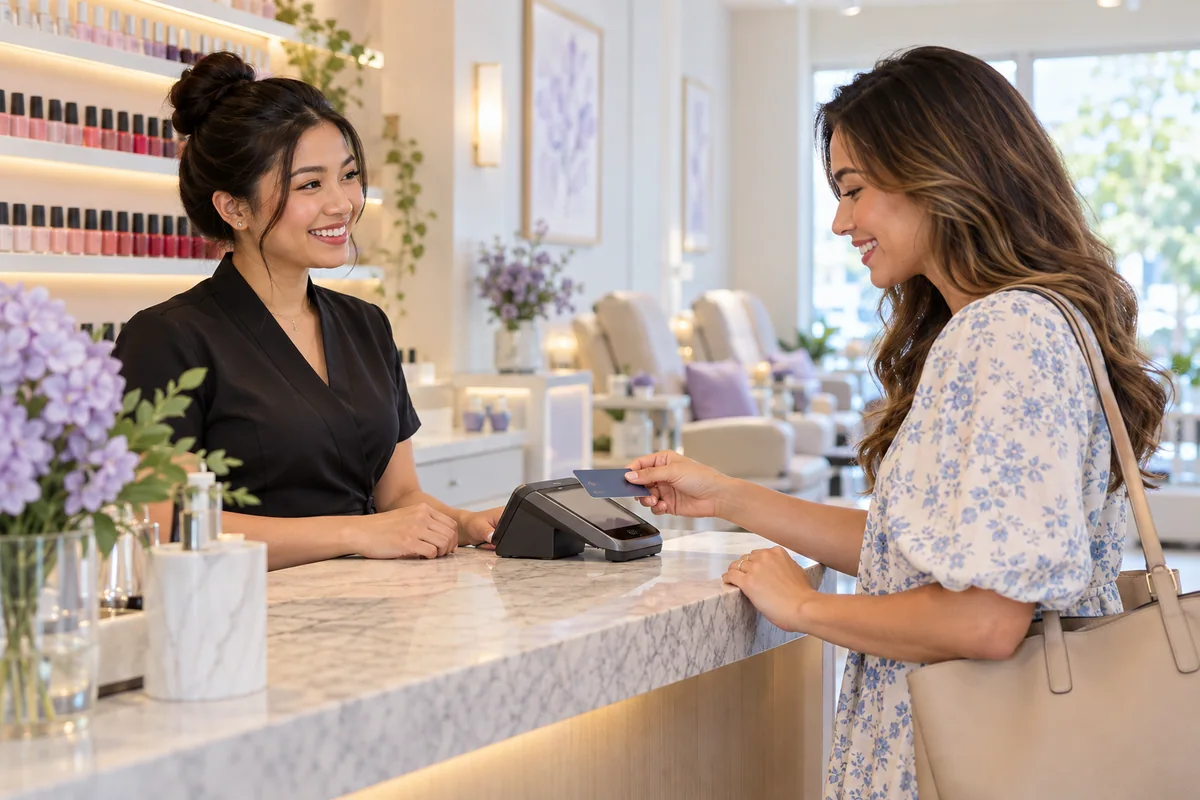 Checkout → Turn Tracker
SquareSync
Follow service changes, payments and tips into the right technician’s tracker. Keep the visit together instead of retyping the same details.
Follow a checkout into Turn Tracker →Find a better appointment fit. Offer a new time and wait for the client’s agreement. This example turns a 35-minute gap into a 50-minute opening without shortening the service.
Watch a smarter time offer →A preferred technician. A design request. A booking restriction. Check the important details before making the next move.
Configure half turns, full turns, supply costs and service values around your salon. Keep the calculations consistent from service to payday.
Build your Turn Tracker →Try four examples: staff matching, design requests, better booking times and checkout updates.
YOUR FAMILIAR SQUARE CALENDAR
Flexible clients go to the right eligible staff. Requested staff stay protected.
Swipe sideways to see all technicians →
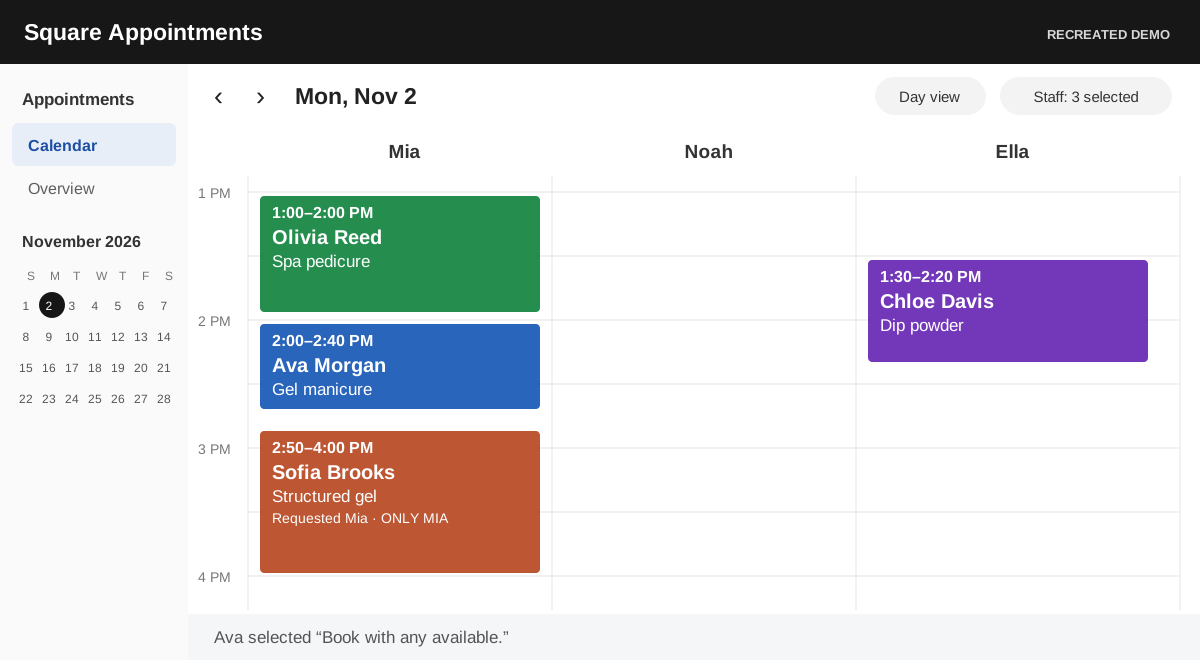
Ava booked “any available.” Noah is next in rotation.
Recreated Square screens · Fictional clients and staff · Your salon's rules apply
COLOR LIBRARY · OPI SHADE PREVIEWS
See OPI shades beside their names and codes. Track Dip, Gel and Regular stock, auto-add low items to a shopping cart, and add purchased quantities straight back to inventory.
FEATURED SHADE · OPI N25
One of OPI’s most iconic shades. Recognize its bold red at a glance, find the matching color code and check your stock in seconds.
Set a low-stock limit for Dip, Gel and Regular. Refills go into your shopping cart. Once you buy them, click “Purchased — add to inventory” to update the count by the quantity you bought.
Try inventory & the shopping cart →


SALON KNOW-HOW. SMARTER TOOLS.
Developed by a group of salon industry experts, NailBoss AI focuses on the work owners know best: busy calendars, technician turns, client requests, supply costs and payday. The purpose is simple—less time managing details, more time building a salon clients love.
Meet the idea behind NailBoss AI →START WITH THE RIGHT FIT
Tell us where the busywork happens. We’ll walk through your setup, show the relevant workflows and discuss the tools that fit your team.
YOUR PERSONAL DEMO
See your salon’s possibilities.Pricing is not yet published. Setup, integrations and feature availability are confirmed individually. Revenue results depend on your salon and how you use the tools.
A FEW THINGS YOU MAY BE WONDERING
Want to talk through your own salon? Start with a demo request.
By reducing repeat entry, schedule checking and payroll preparation, NailBoss AI can reduce the need for extra front-desk and admin hours. Savings depend on your workload, setup and how you use the tools. We’ll review the relevant workflows during your demo.
Our scheduling and checkout workflows are designed around Square. In your demo, we’ll review your calendar, staff and current tracking setup, then confirm which connections and tools fit.
The approach is built around configured staff eligibility, requested technicians, half or full turns, supply costs and service values. We’ll confirm your specific rules and scope during setup discussions.
They are in development. The AI Phone Assistant and our own online booking page are planned features, and their launch timing, pricing and integrations are not confirmed yet.
Explore the illustrative workflow demos and Color Library preview. They use fictional clients and sample stock. They do not create live appointments, send messages or connect to your salon account.
Use “Book a demo” to open an email request. Share your salon name, city, current setup and the work you want to simplify. We’ll discuss the scope and pricing before you decide.
Let’s find the smarter workflow for your salon.